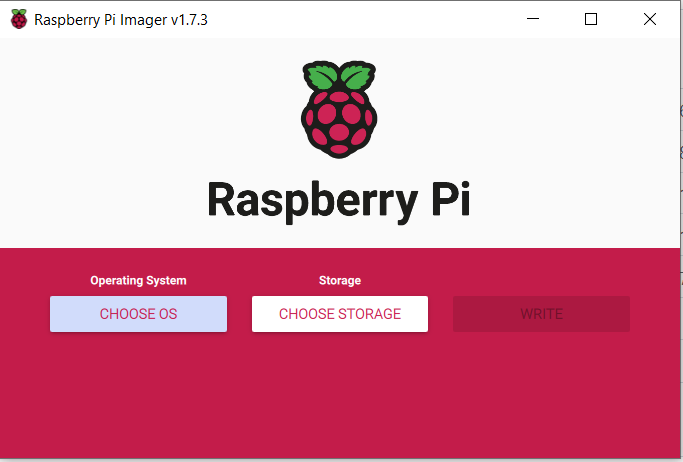
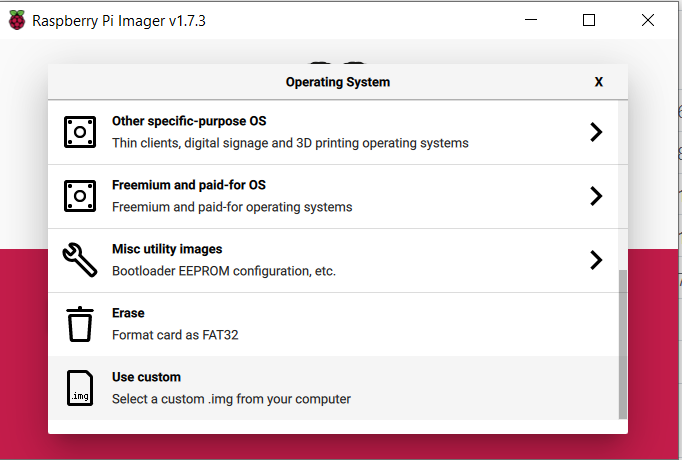
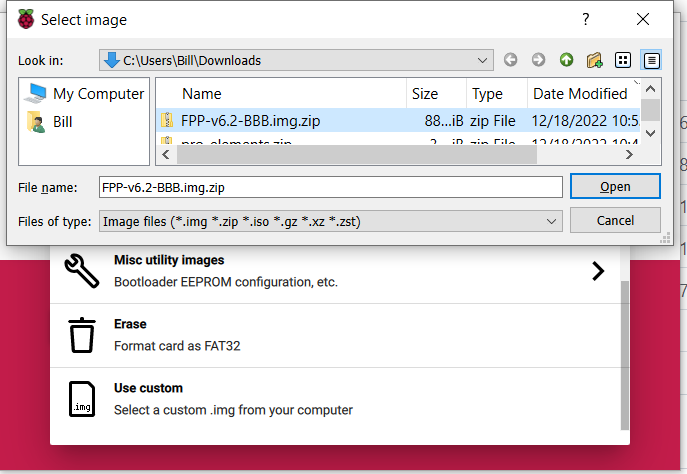
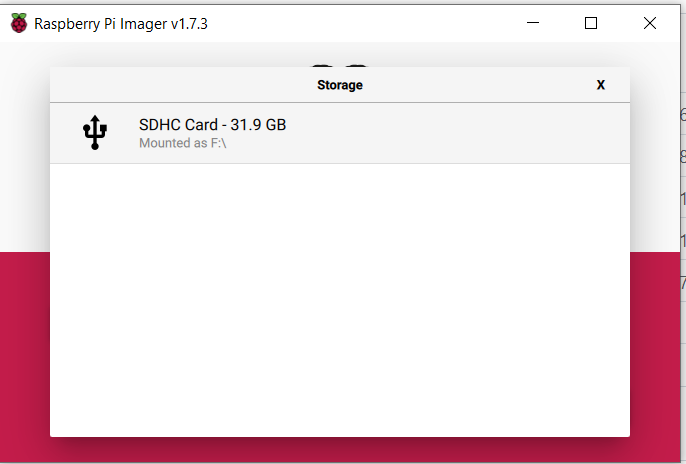
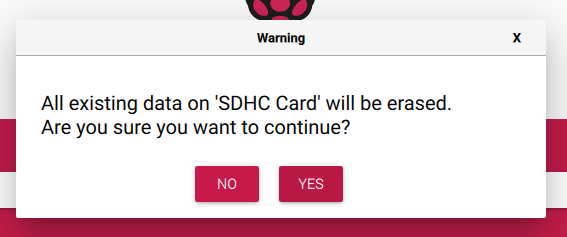
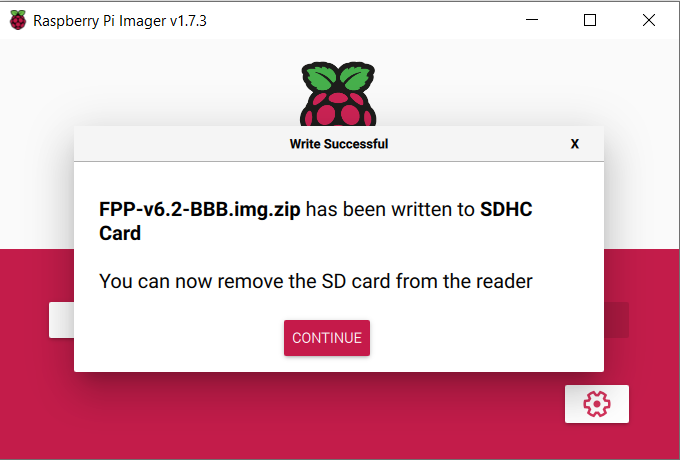
LETS BURN THE DOWNLOADED .IMG.ZIP 1Run Pi Imager and Choose OS 2Scroll to the bottom and select Use custom 3Select the BBB .Zip file you have saved to your computer from Github 4Go ahead and select the sd card you are going to write the .img to 5Accecpt that all data will be lost for the new .img 6After the write and verify process completes you may select complete continue At this Point you may now remove the SD card from the computer and install it into the Beagle Bone. The card will only go in one way but be gentle. Now Before moving to far forward, Witch of these setups do you have at this stage. My Beagle Bone Black is connected to a cape and has an ethernet cable i can plug into my home network(NOT DIRECT TO PC) Click here My Beagle Bone Black is connected to a cape and has a USB wifi adapter connected to it.(Beagles do not have wifi built in) Click here My Beagle Bone Black is not connected to a cape and i want to set it with USB tether mode. Click here My Beagle Bone Black is connected to a cape and has a USB wifi adapter connected to it.(Beagles do not have wifi built in) Click here