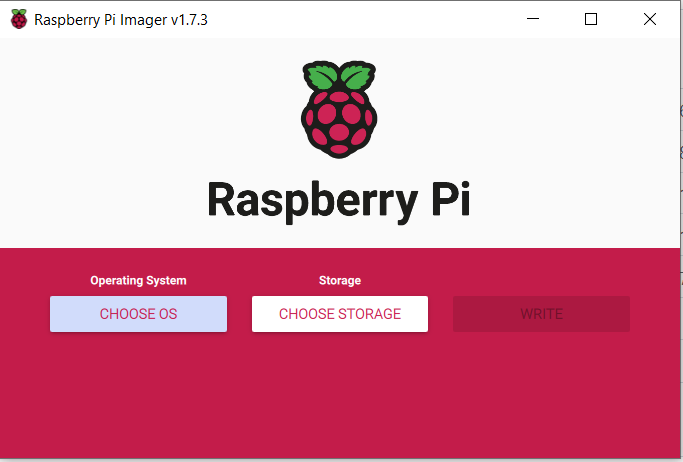
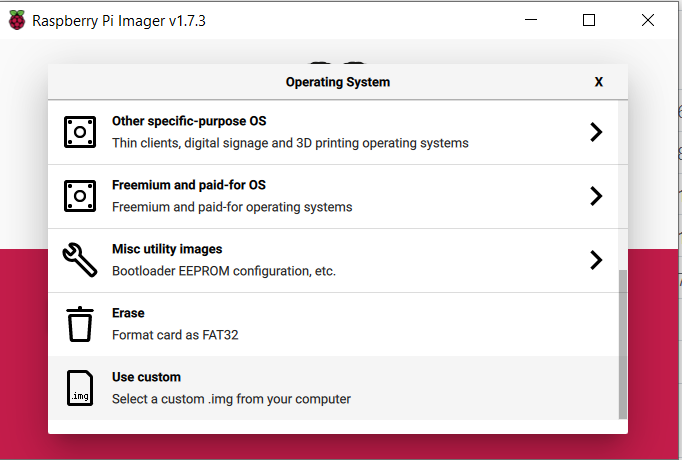
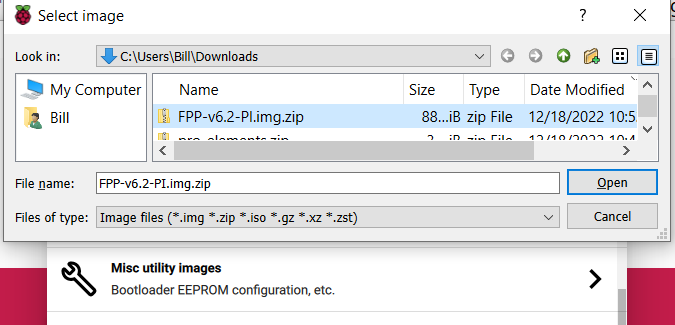
3 Select the PI.Zip file you have saved to your computer from Github
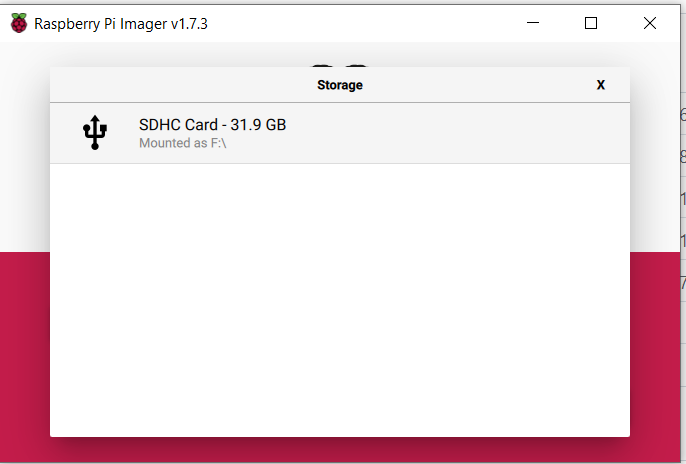
4 Go ahead and select the sd card you are going to write the .img to
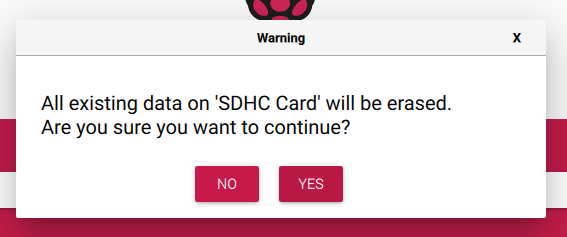
5 Accecpt that all data will be lost for the new .img
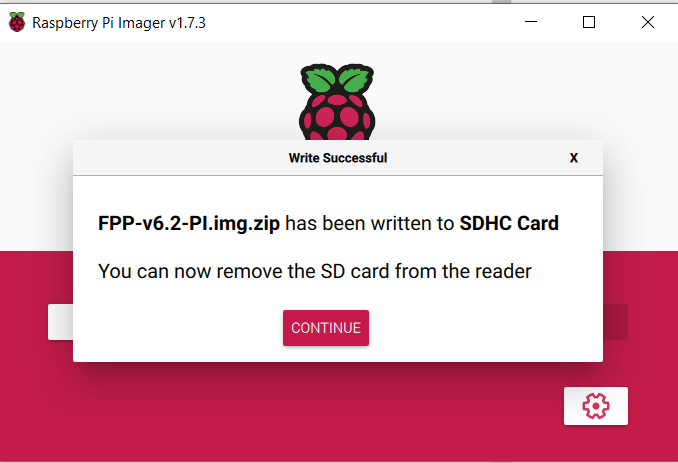
6 After the write and verify process completes you may select complete
We use cookies to ensure that we give you the best experience on our website. If you continue to use this site we will assume that you are happy with it.